
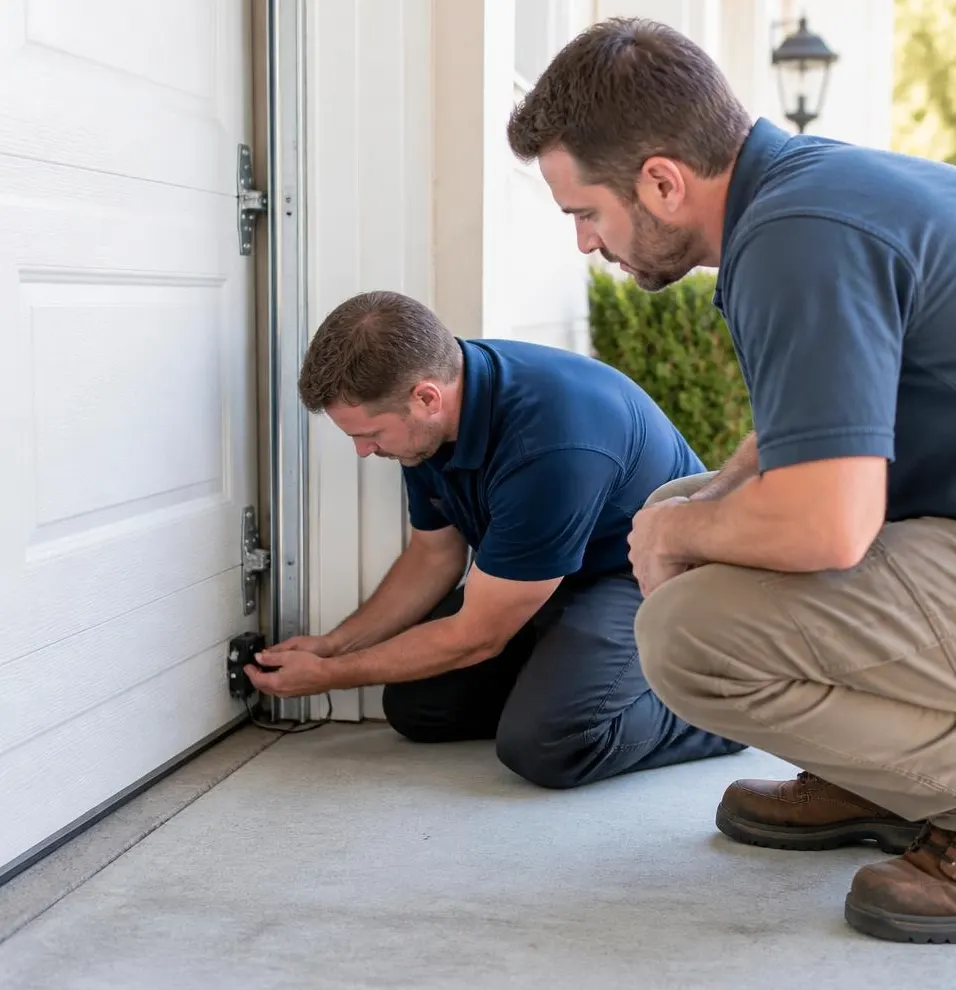
The Moment You Realize a Remote Is Gone
It usually hits you in the driveway, not the garage. You're digging through a glove box, a moving box, or a drawer where the spare remote used to live, and it isn't there. Maybe a contractor had garage access for a few weeks. Maybe you just bought a house in Laguna Hills and the previous owners handed over two remotes but mentioned there used to be three. Whatever the reason, once you realize a remote is unaccounted for, your garage door isn't just an inconvenience anymore — it's an unlocked door you can't see.
The good news: on most openers built in the last twenty years, you can erase every old code and reprogram your remotes and keypad in under half an hour, with tools you probably already own.
What You'll Need
- A step stool or ladder tall enough to reach the opener unit on the ceiling
- Your opener's brand and model number (usually on a sticker on the motor housing)
- The remotes and keypad you want to keep working
- Fresh batteries for each remote and the keypad
- Your phone, to photograph the opener's buttons and any sticker codes before you start
If you don't have the manual, most major brands (Chamberlain, LiftMaster, Genie, Craftsman) post programming instructions by model number online, so a clear photo of that sticker is worth taking before you climb down the ladder.
Step-by-Step: Erasing Old Codes and Reprogramming
- Locate the Learn button. On most openers, it's a small colored button on the motor unit, near where the antenna wire hangs down. Older units may use a row of tiny DIP switches instead — more on that below.
- Erase all existing codes. Press and hold the Learn button until the indicator light turns off or flashes (timing varies by brand, usually 6–10 seconds). This wipes every remote and keypad code the opener currently recognizes — including the lost one. This step is why erasing everything, rather than trying to remove a single remote, is the standard and safest approach on most residential openers.
- Reprogram each remote you're keeping. Press the Learn button once, then within 30 seconds press and hold the button on the remote you want to pair. Wait for the opener light to blink or click, confirming the code is stored. Repeat for each additional remote, one at a time.
- Reprogram your keypad. Enter a new PIN directly on the keypad (check the manual for the exact entry sequence), then press the Learn button on the opener and the Enter button on the keypad within the same 30-second window.
- Test everything. Walk each remote and the keypad out to the edge of your driveway and confirm they open and close the door reliably. Replace batteries now if any remote felt sluggish — worn batteries are the most common cause of a remote that works only when you're standing right under the opener.
If Your Opener Uses DIP Switches
Garage door openers installed before the early 2000s often use a row of small physical switches instead of a rolling code system. If yours does, you'll need to flip a new switch pattern on both the opener unit and each remote so they match. These fixed-code systems are also easier for someone with the right equipment to capture and replay, so if you're dealing with a lost remote on an older DIP-switch opener, it's worth treating that as a bigger security gap than on a modern rolling-code unit.
What a Homeowner Can Handle vs. What Needs a Technician
You can safely handle the steps above yourself if:
- The opener has a working Learn button and responds normally otherwise
- You can find the model number or manual
- The door itself opens and closes smoothly, with no grinding, sagging, or slow response
Call a technician instead if:
- The opener is a DIP-switch model and you're not confident matching switch patterns correctly
- The Learn button doesn't respond, or the indicator light doesn't blink during programming
- The keypad has stopped reading entries reliably — common after a few seasons of dust and summer heat have gotten into the housing, or after salt air near the coast has corroded the contacts
- You're not sure how many remotes were ever issued and want someone to confirm the opener's full code memory is actually cleared
A technician can also tell you whether it's worth upgrading to a smart opener that lets you revoke a single remote or guest code from an app, instead of re-pairing every device whenever one goes missing — a real advantage if you regularly loan out garage access to house-sitters, cleaners, or contractors.
When to Call Laguna Hills Garage Door
If your opener's Learn button isn't responding, the keypad has gotten unreliable from heat and dust exposure, or you simply want a smart opener that makes managing lost remotes a non-issue, our technicians handle both Opener Repair & Installation and full Garage Door Maintenance visits. We'll check the opener's circuit board, confirm old codes are fully erased, reprogram your current remotes and keypad, and flag anything else — worn rollers, a sagging door, a failing sensor — before it turns into a bigger repair heading into the rainy season.
If you're in Laguna Hills, Laguna Niguel, Mission Viejo, or anywhere nearby in South Orange County and need a garage door technician to sort out remotes, keypads, or anything else before winter rain sets in, call Laguna Hills Garage Door for same-day service.